
Search history
Clear allSearch by image
XDrag and drop an image here or upload an image
Max 5MB per image
UploadSign In | Join

Search history
Clear allSearch by image
XDrag and drop an image here or upload an image
Max 5MB per image
UploadSign In | Join
X Email Mobile


A new item has been added to your Shopping Cart. You now have items in your Shopping Cart.
Linghui Electron Firm 13yr.
Contacts:甘林仙Chat
Mobile:86-15958483187
E-mail:zhangmeizhen24756@yahoo.cn
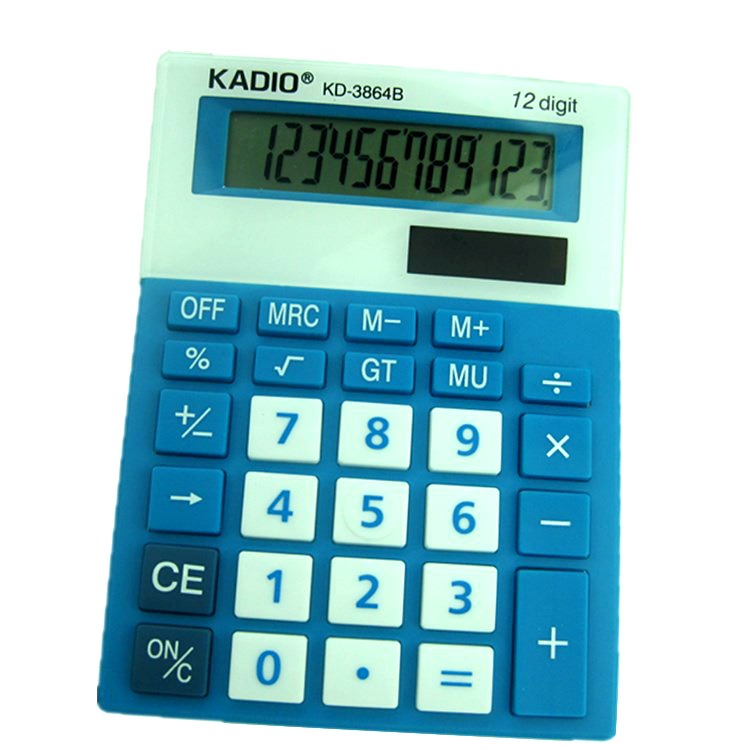
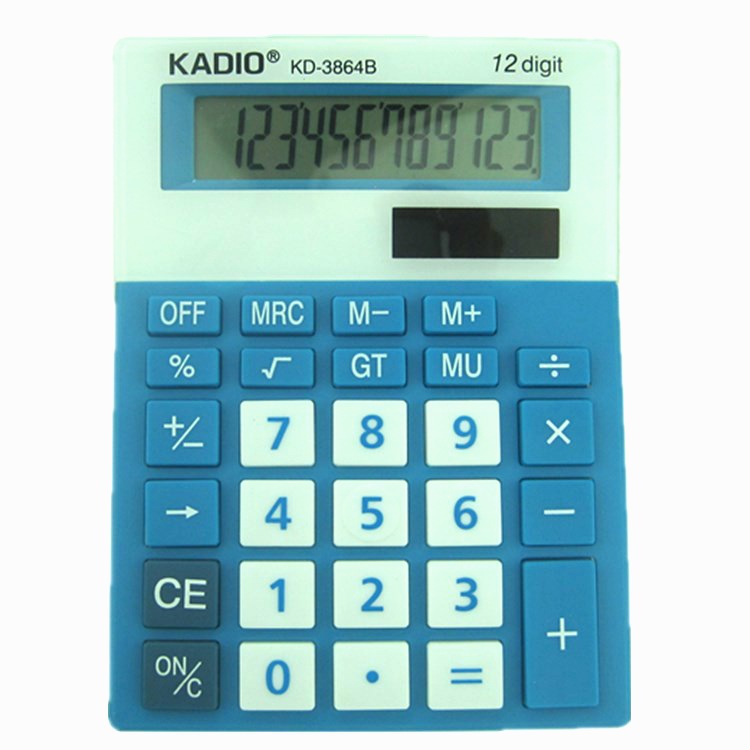
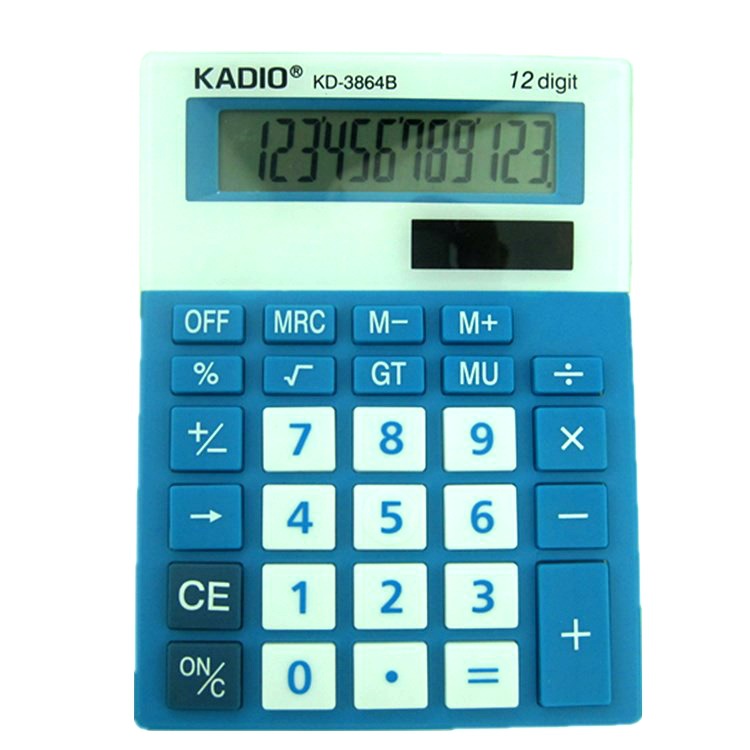
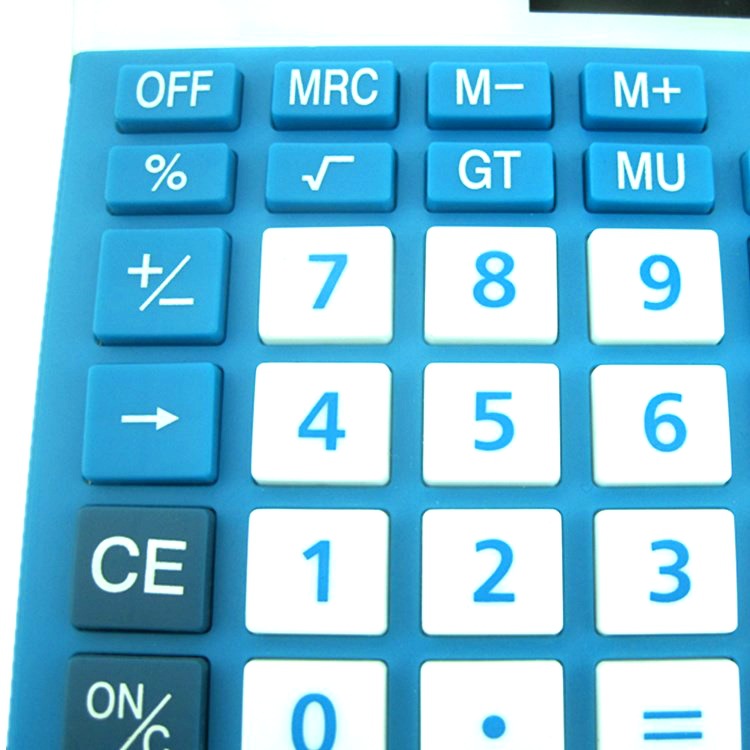
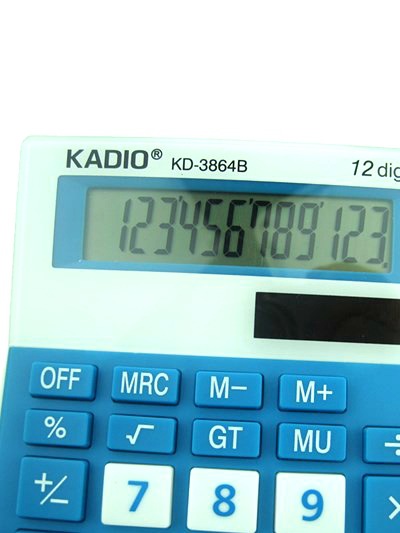

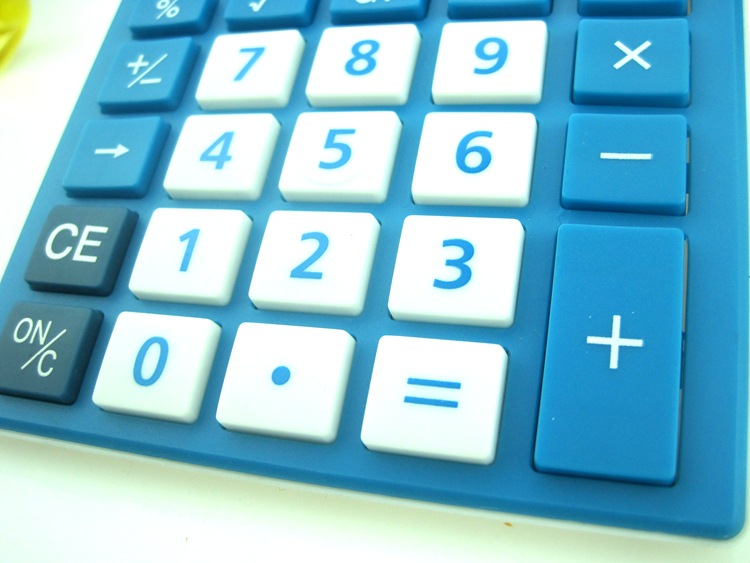
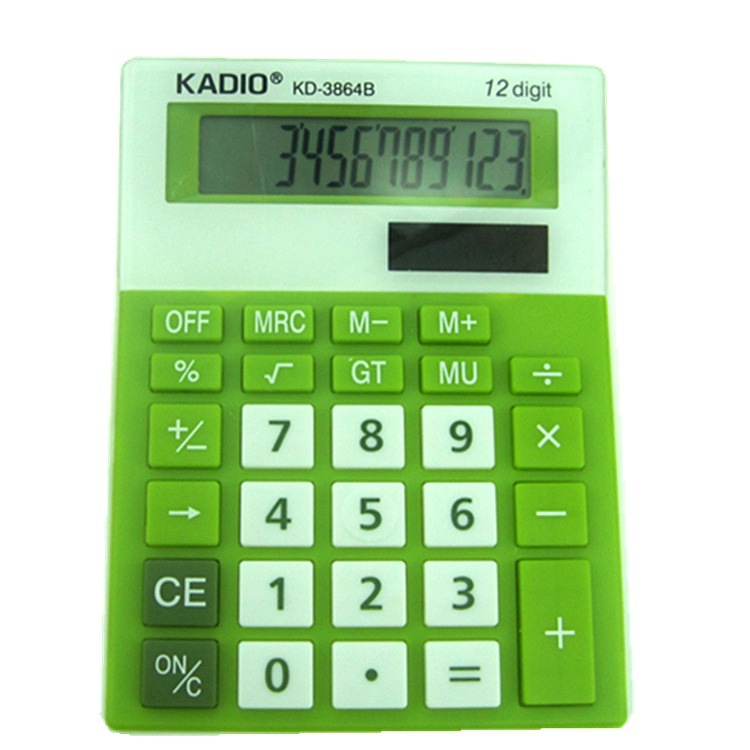
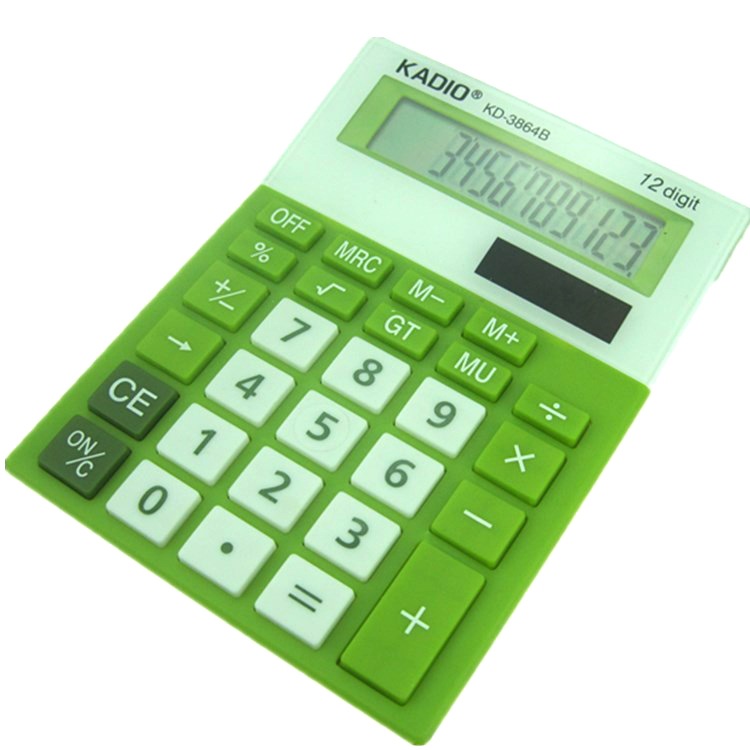
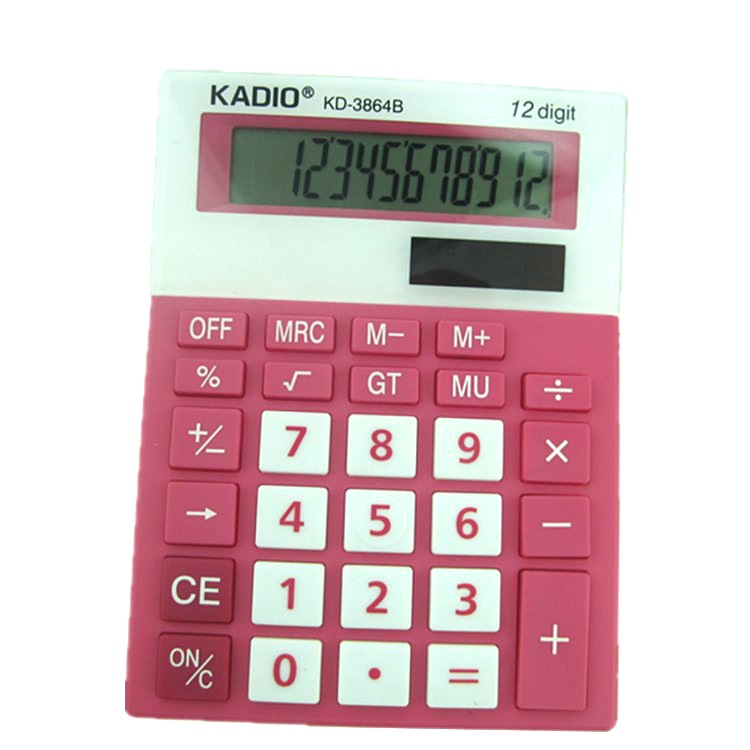
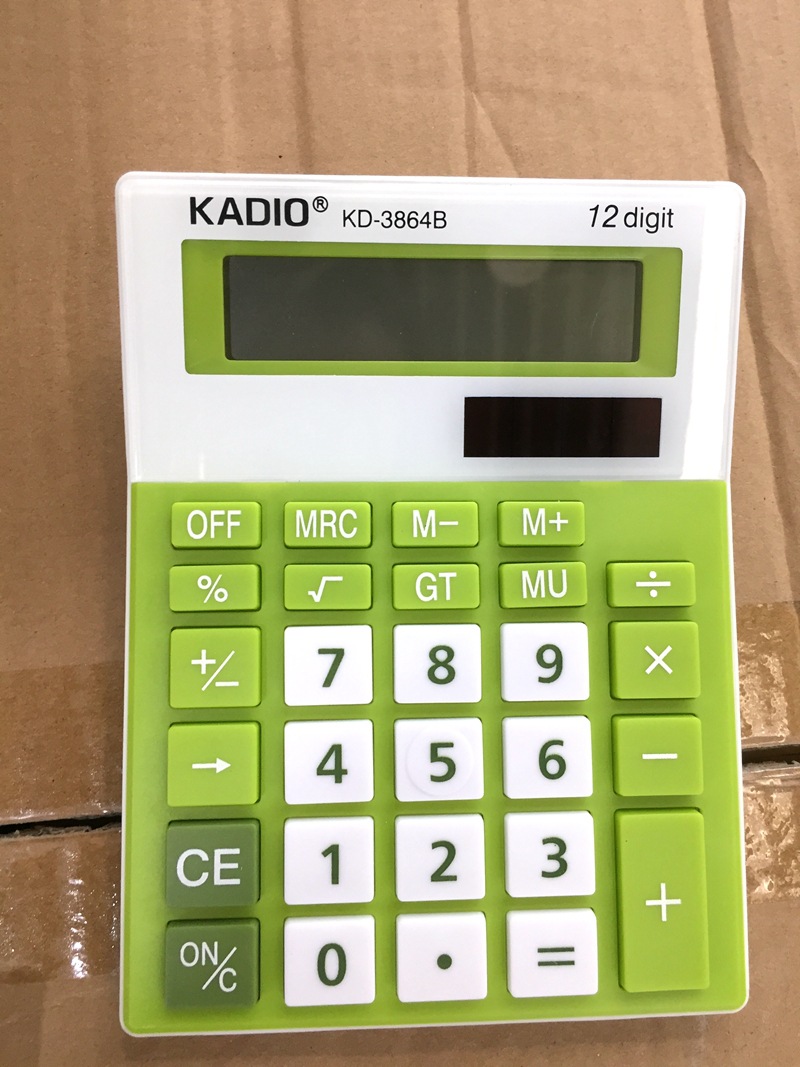
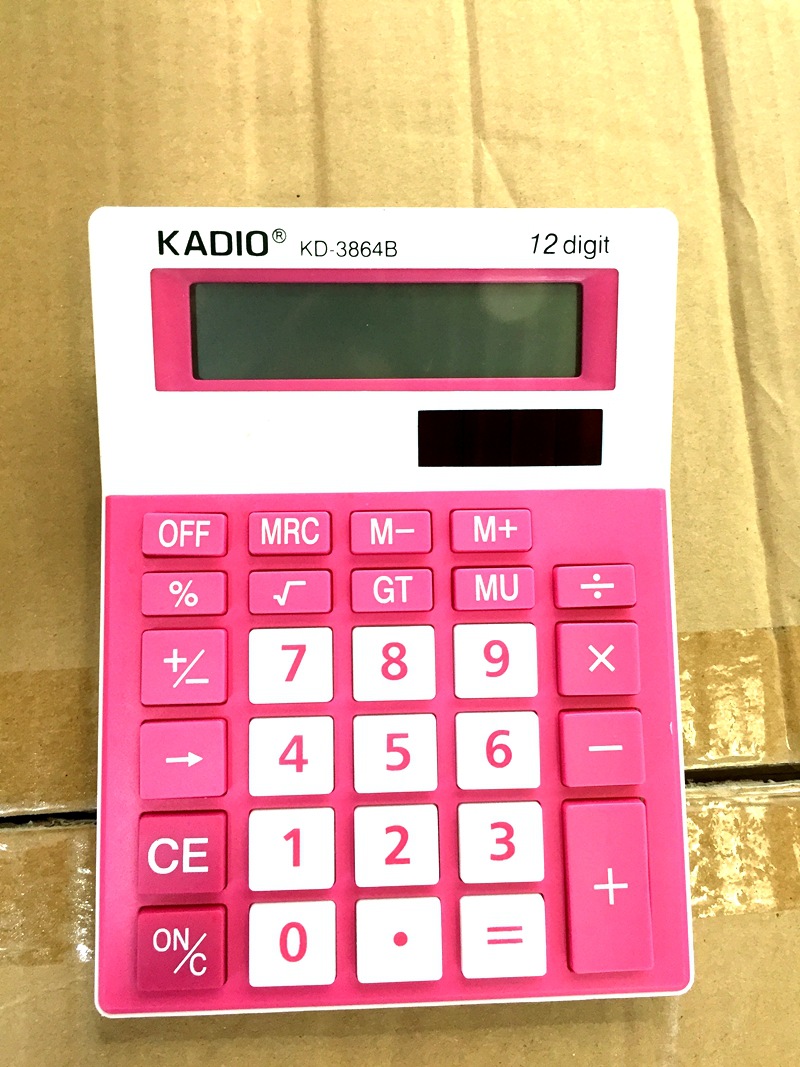
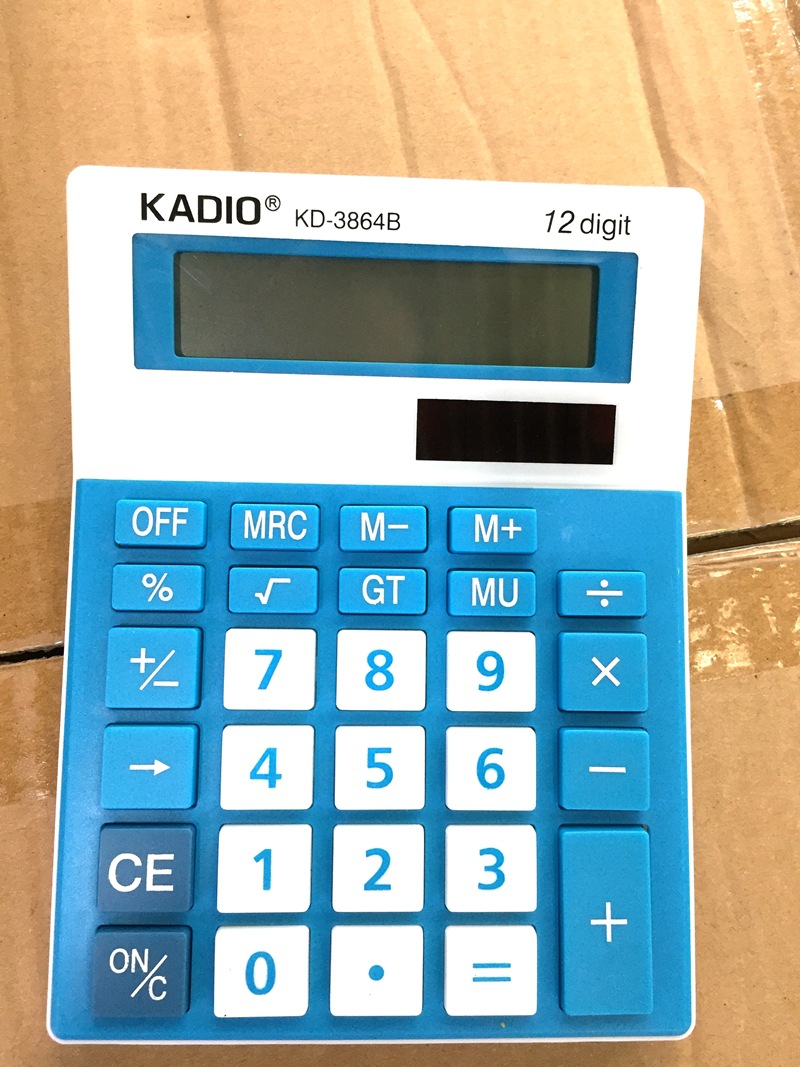
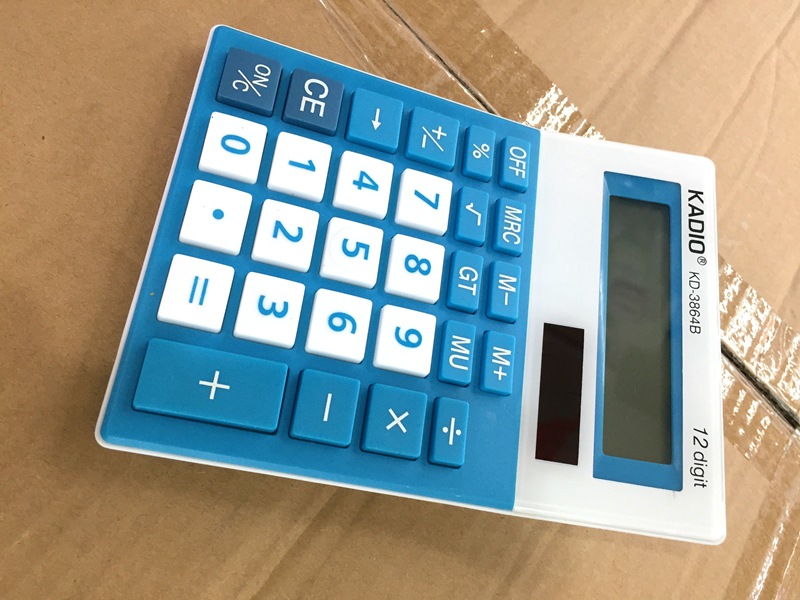
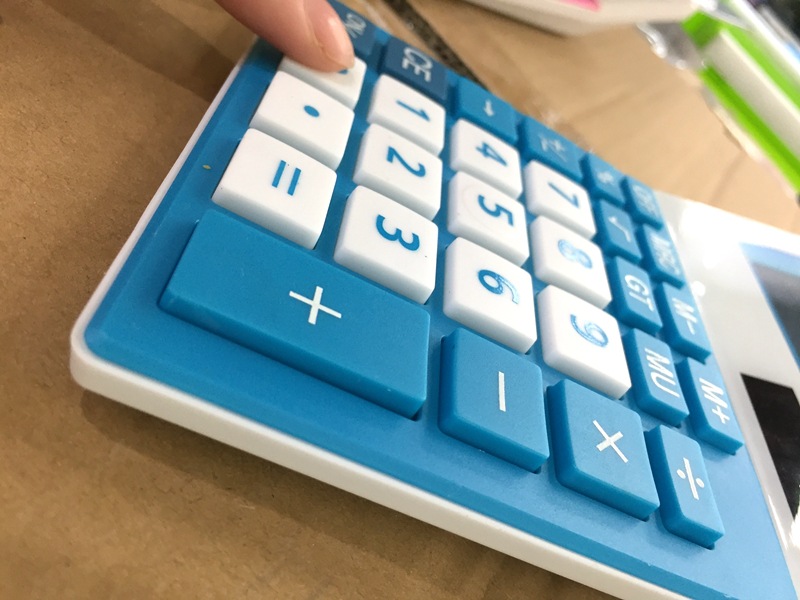
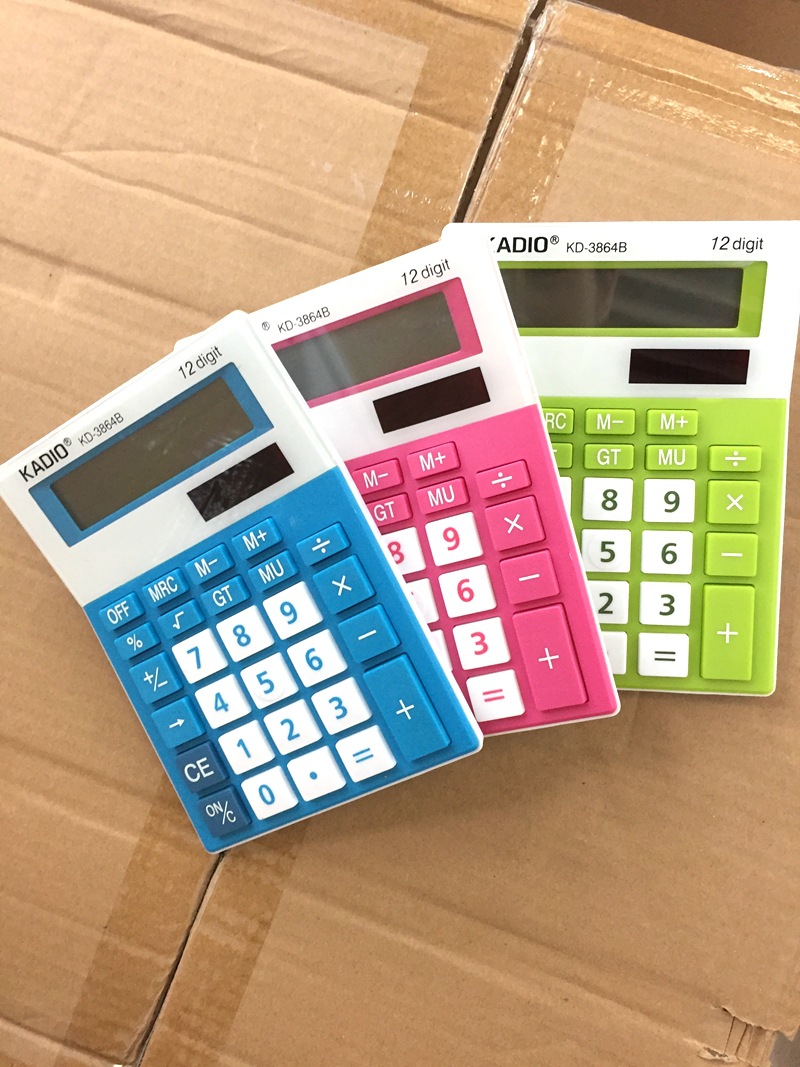
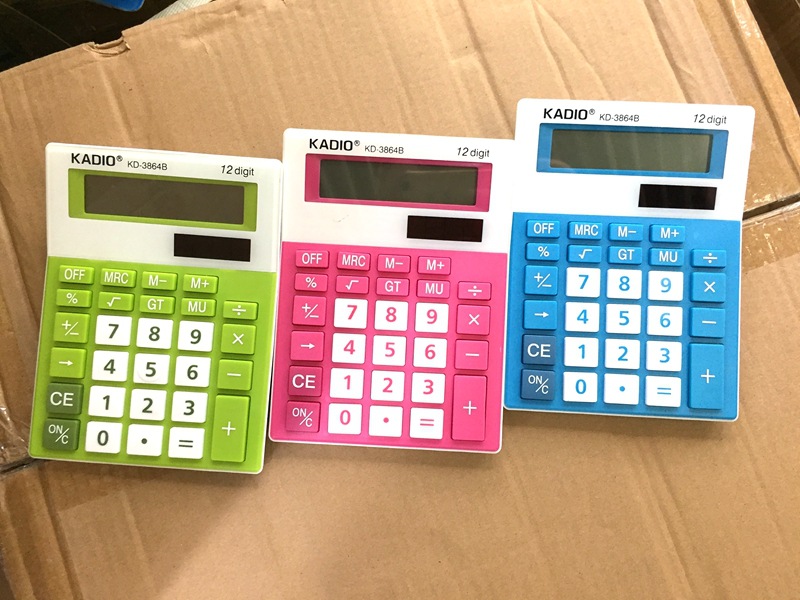
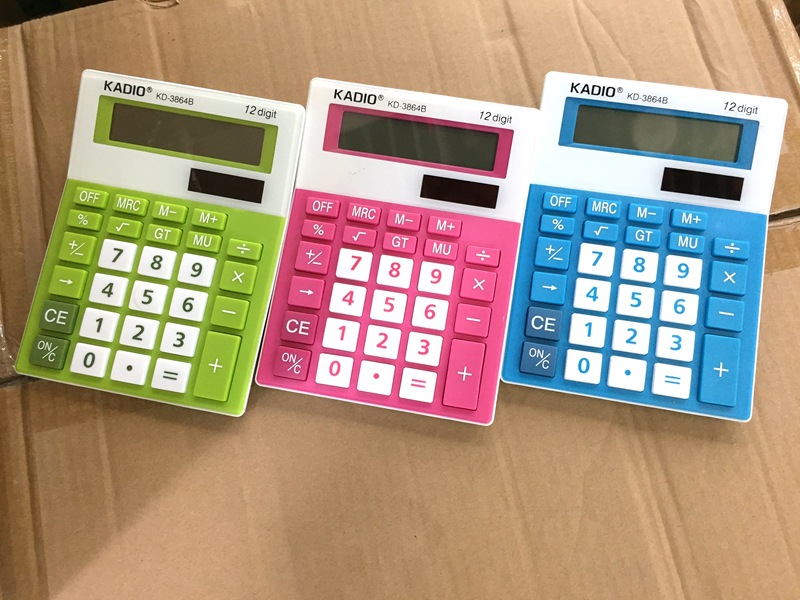
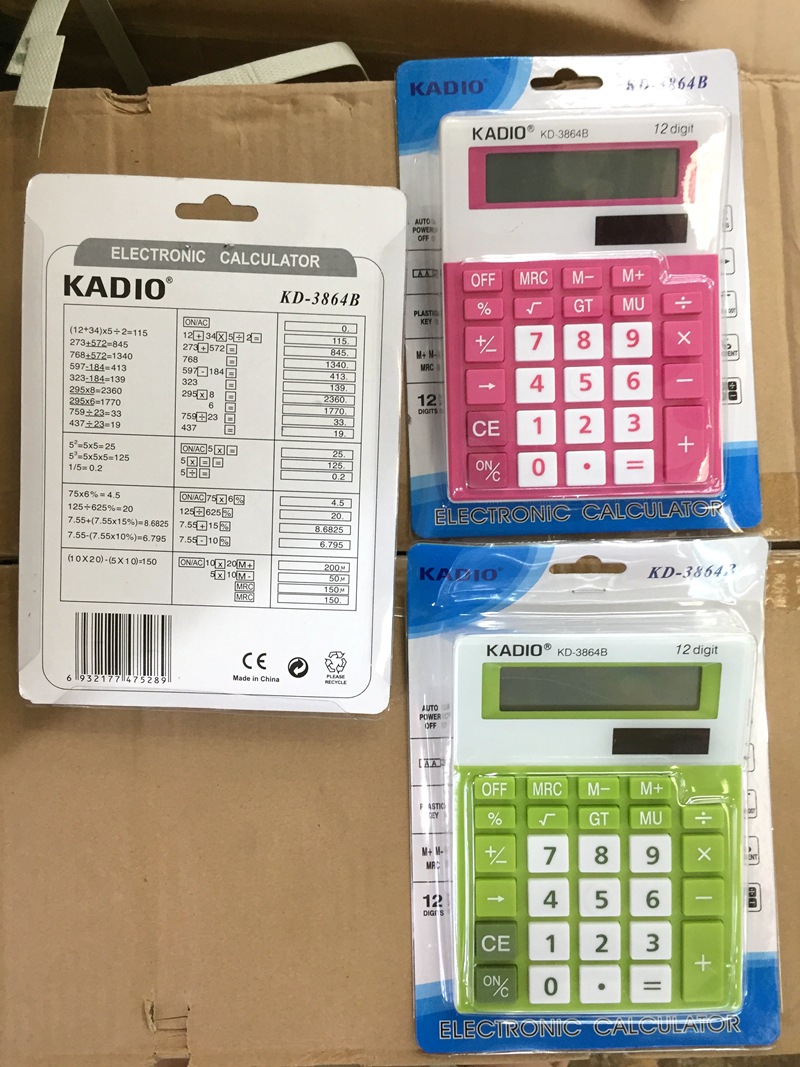
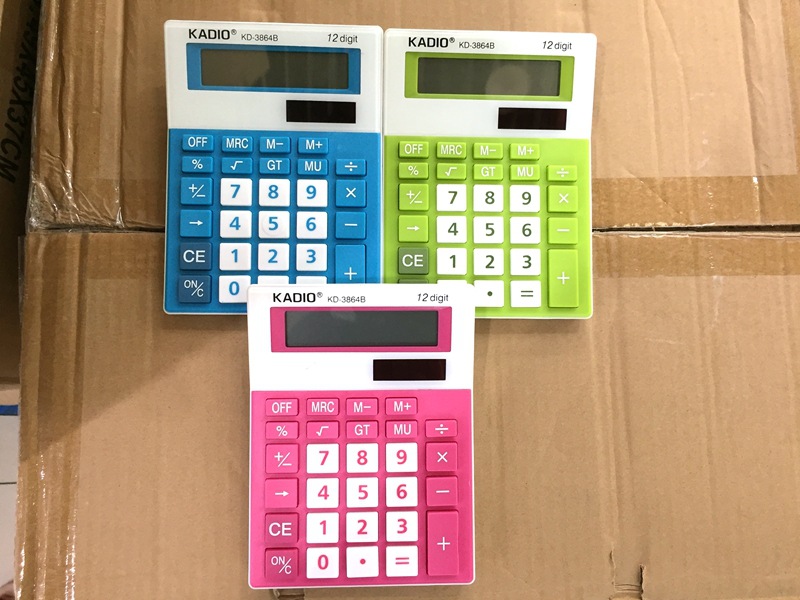
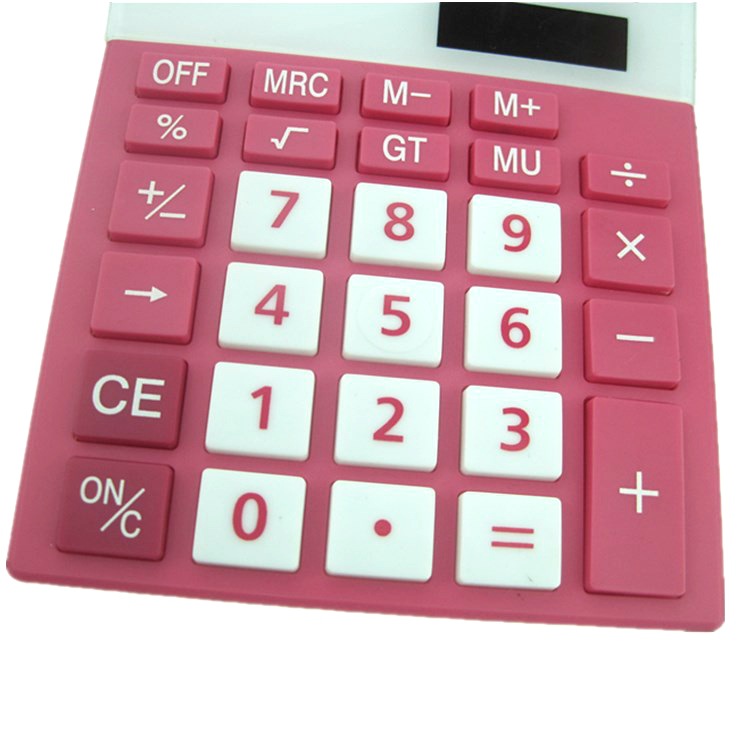
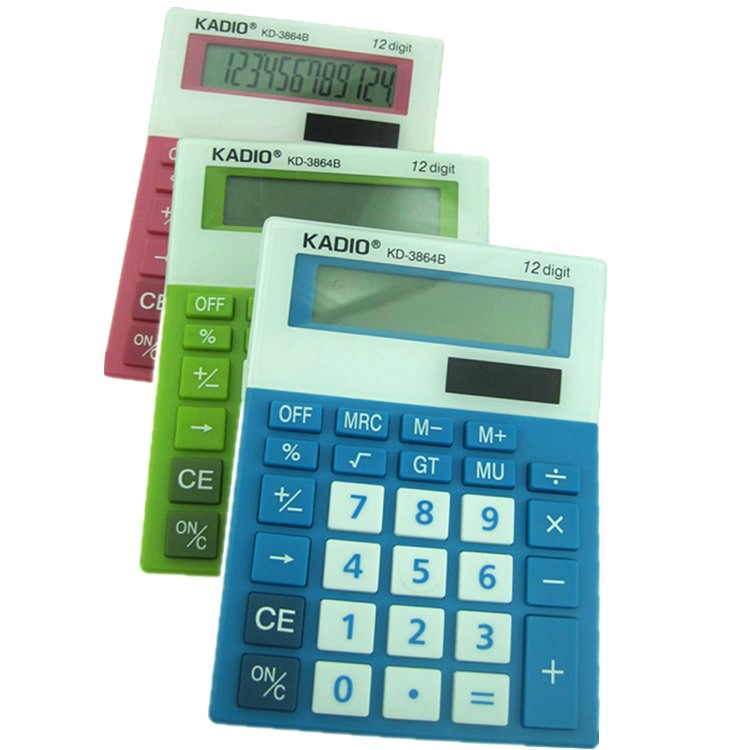
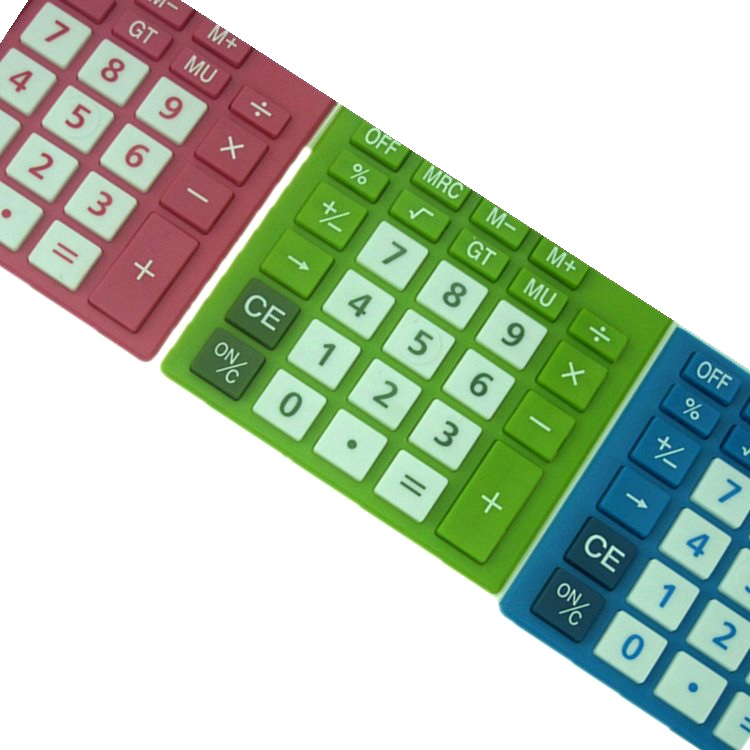
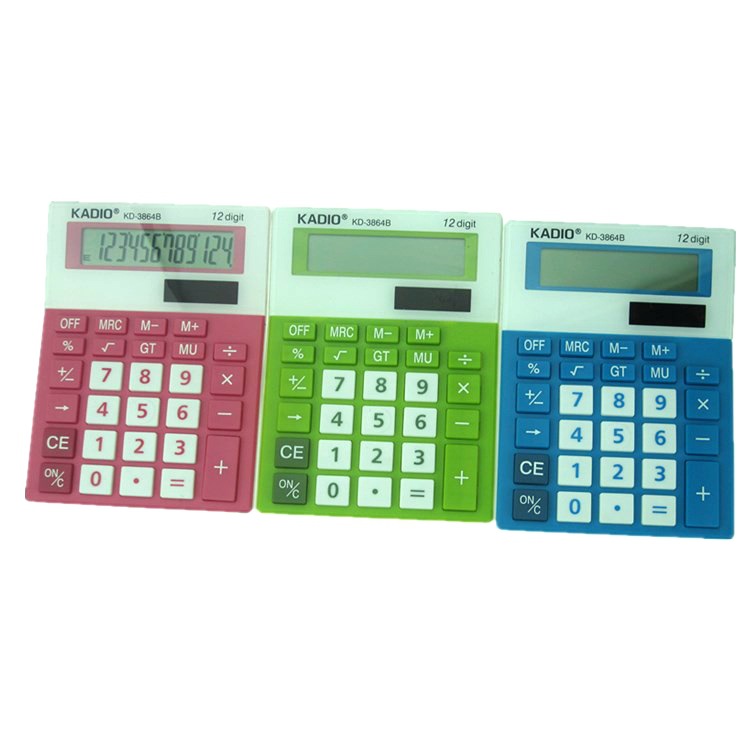
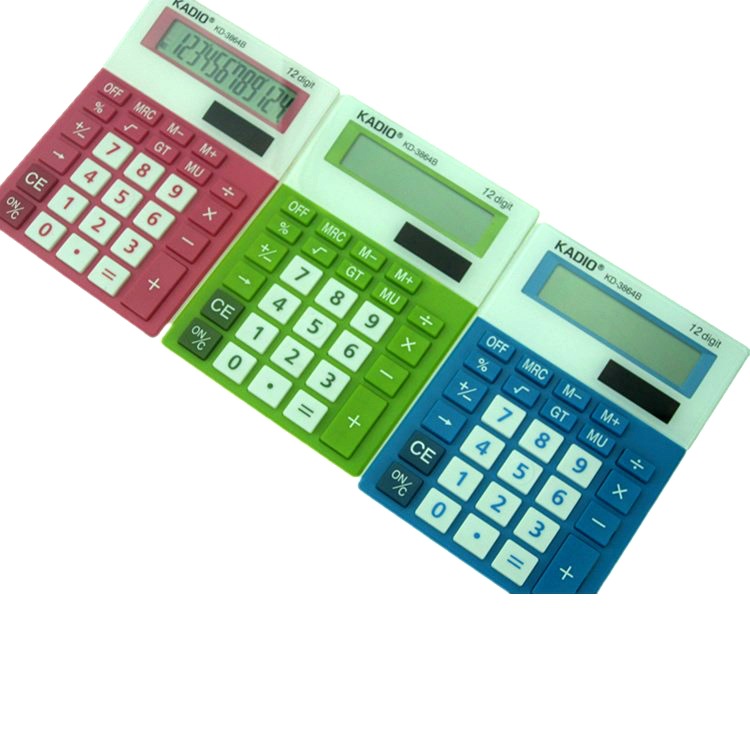
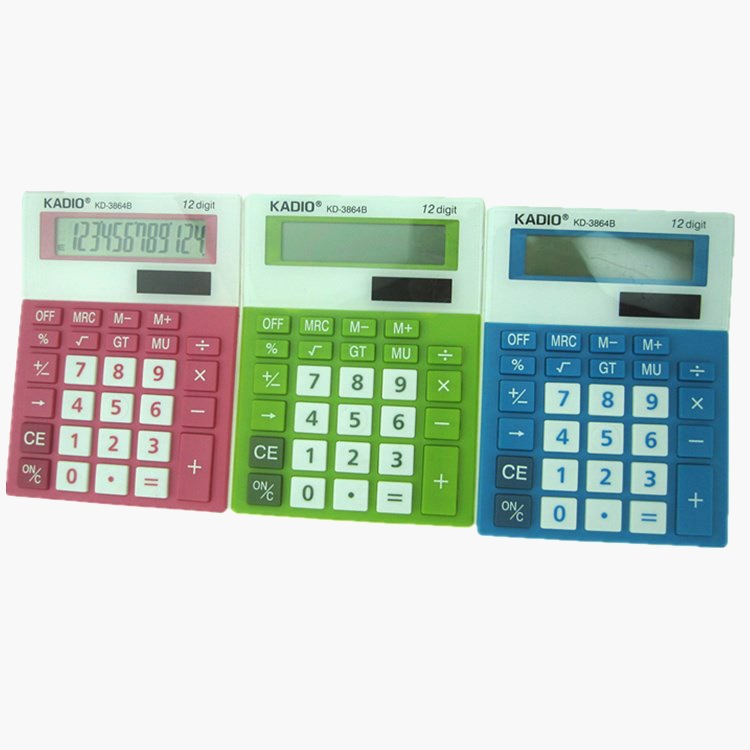
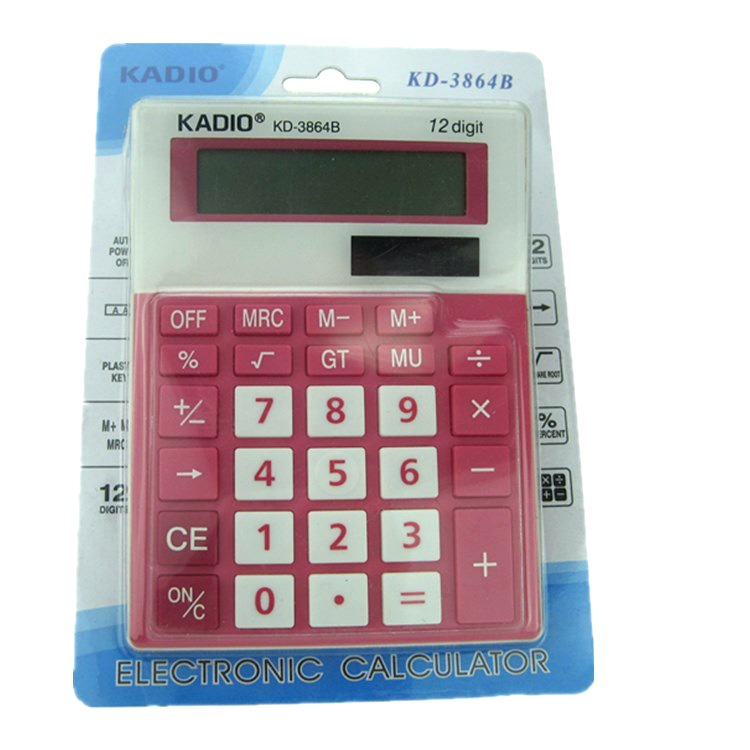
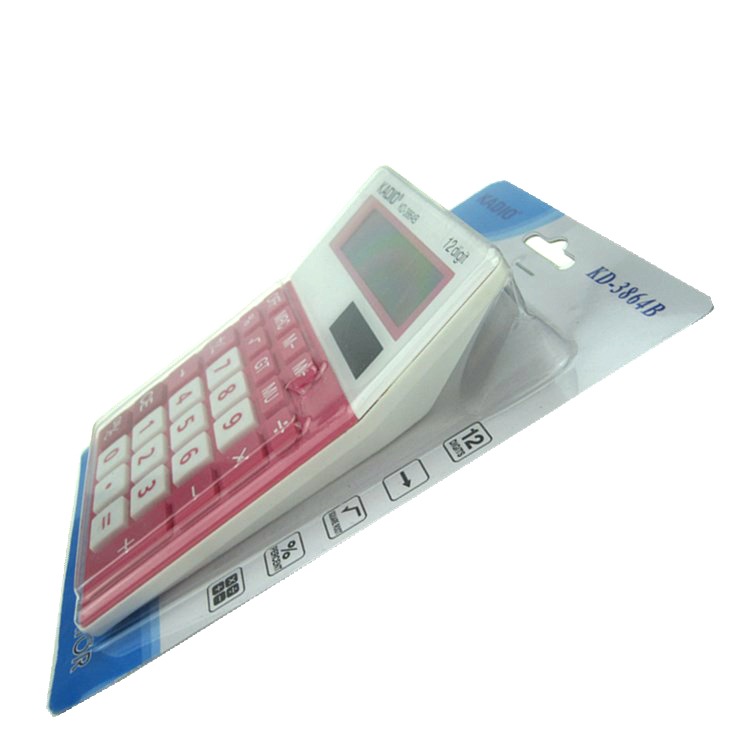
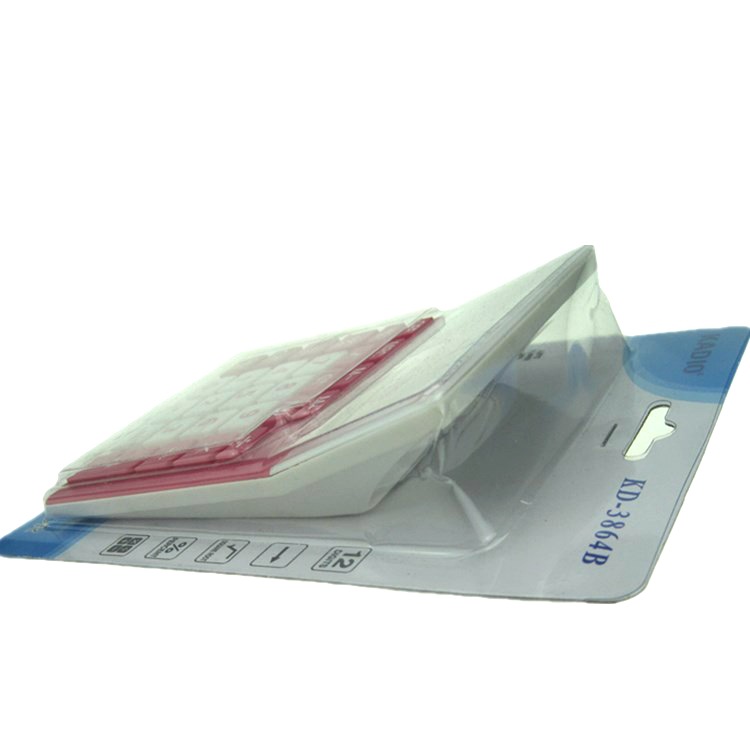
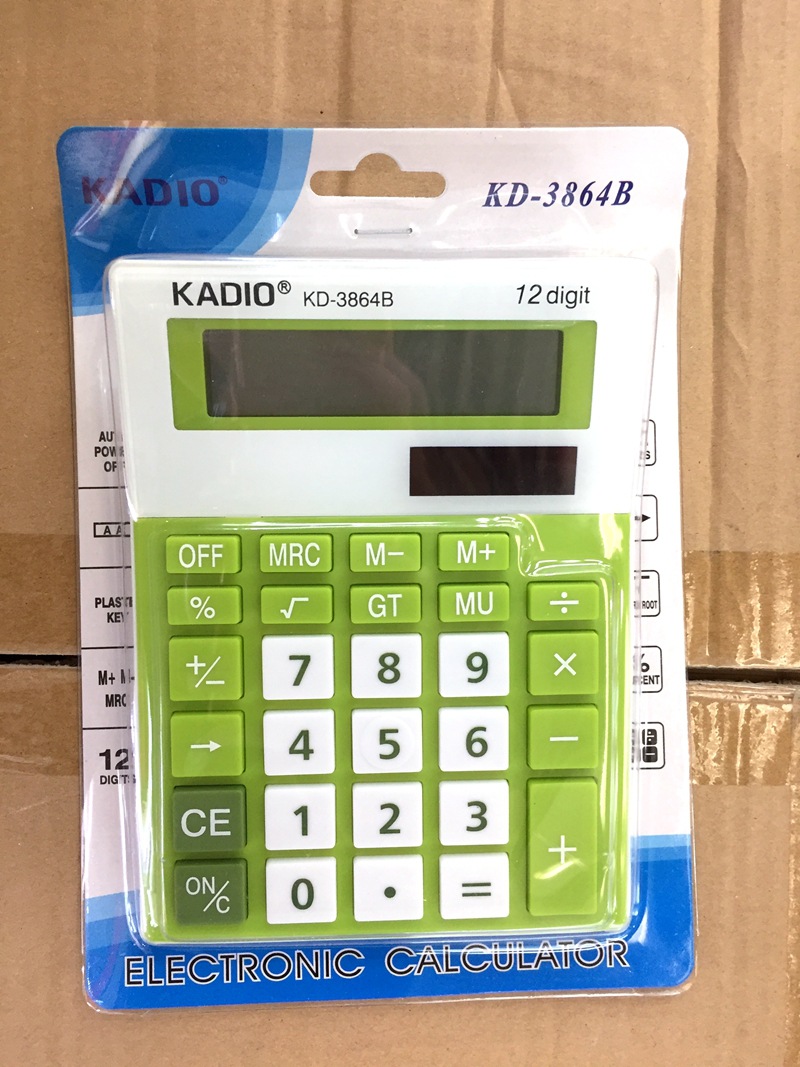
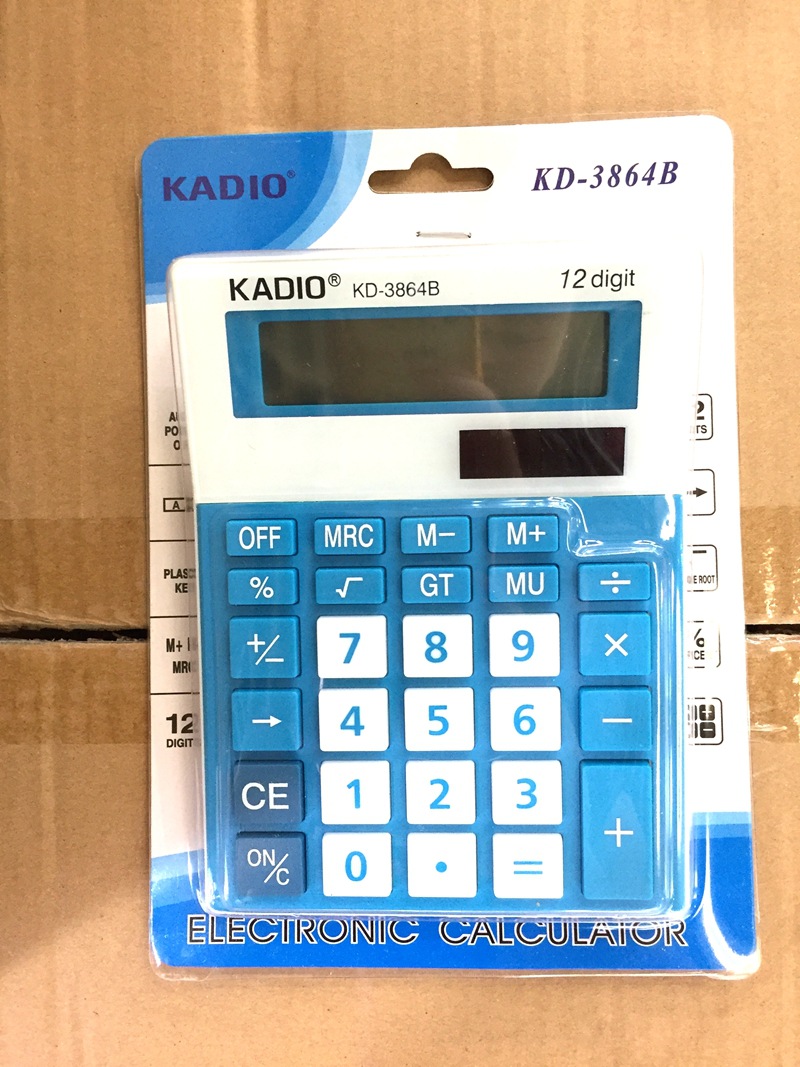
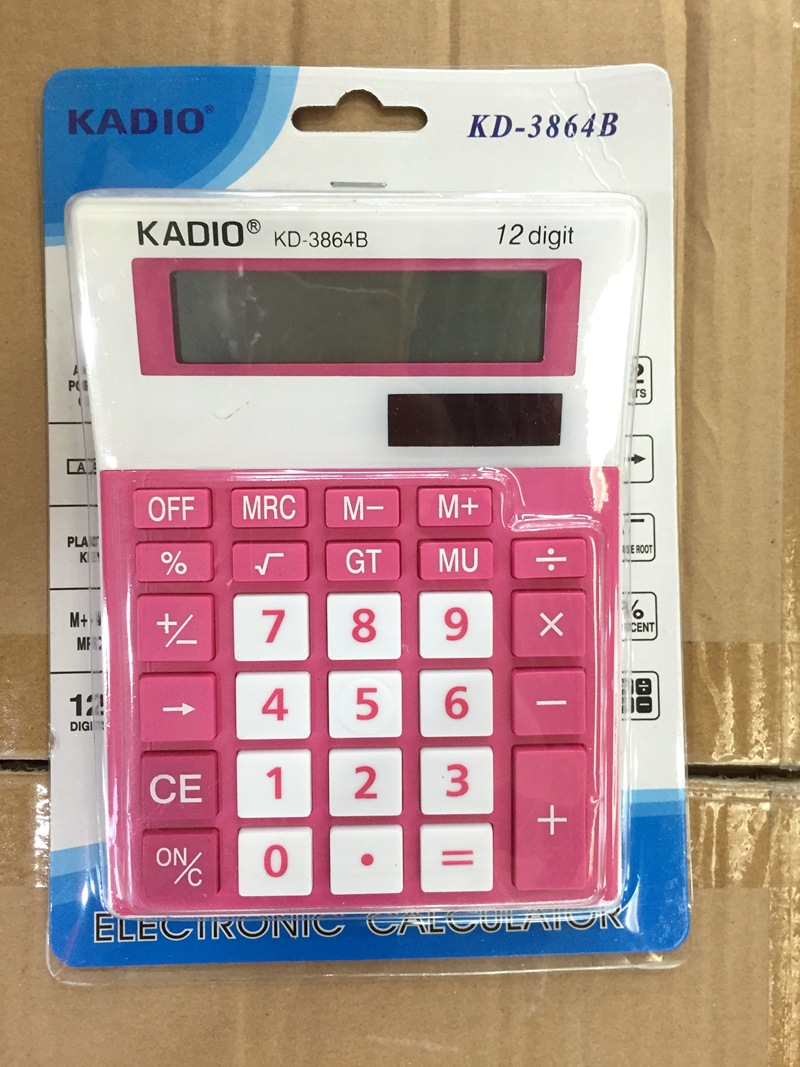
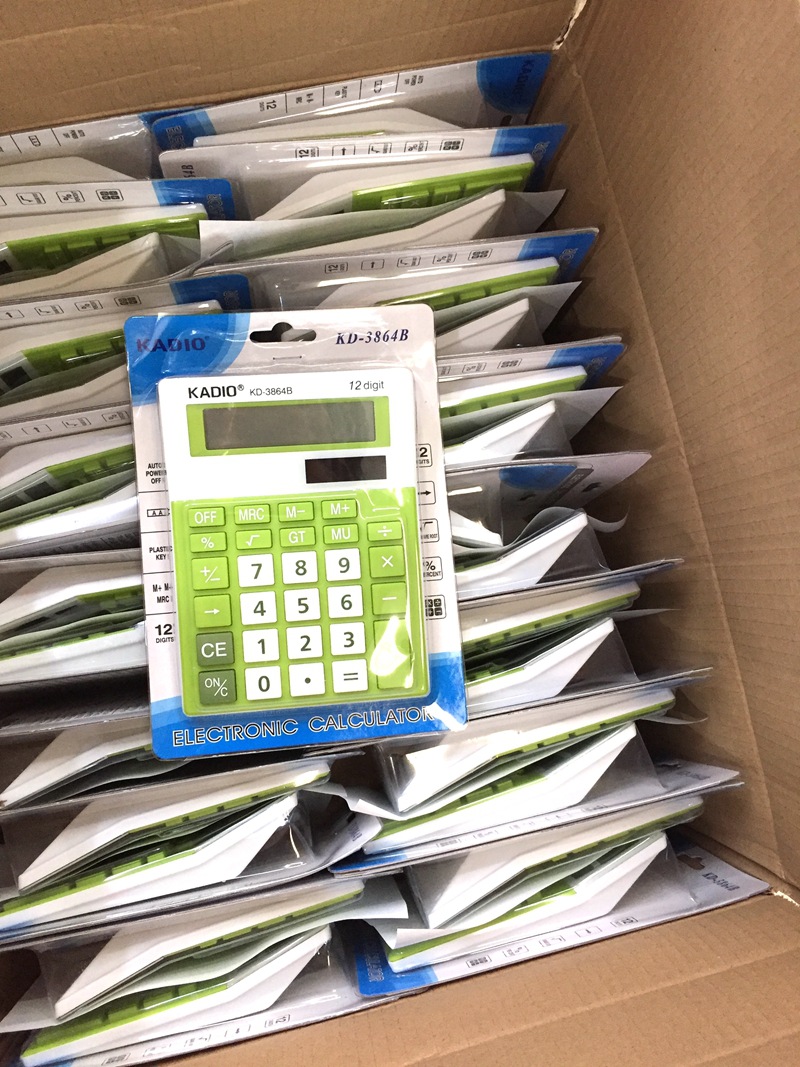
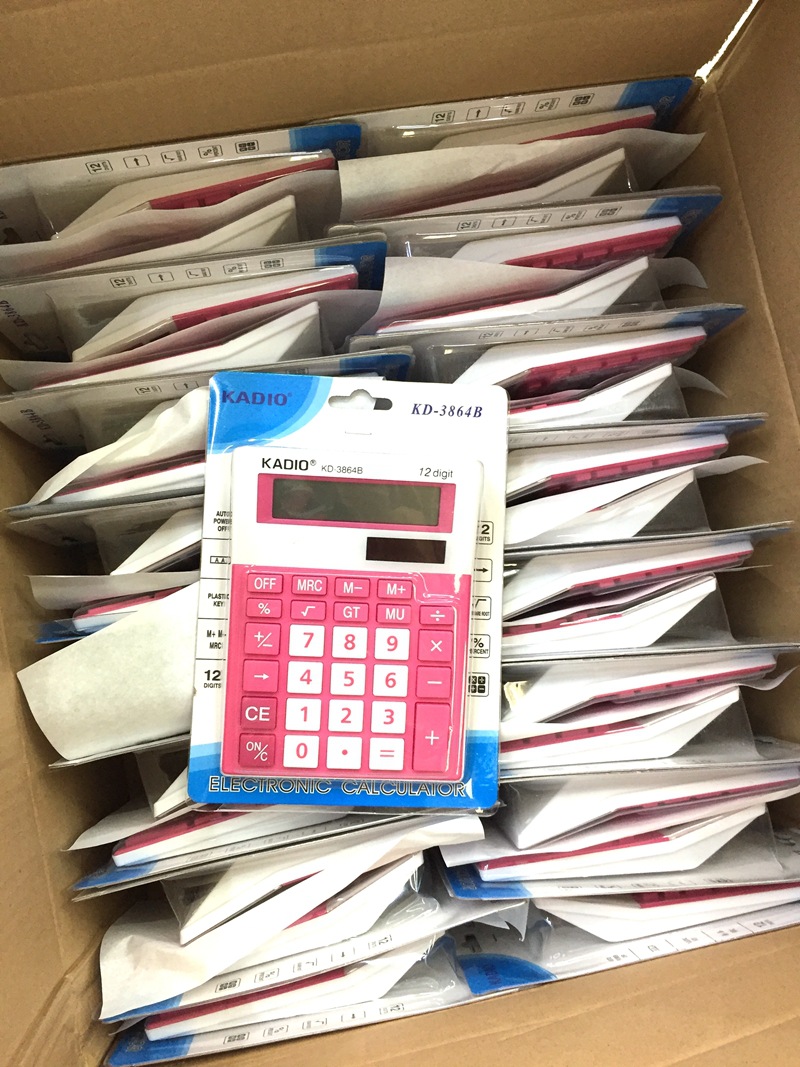
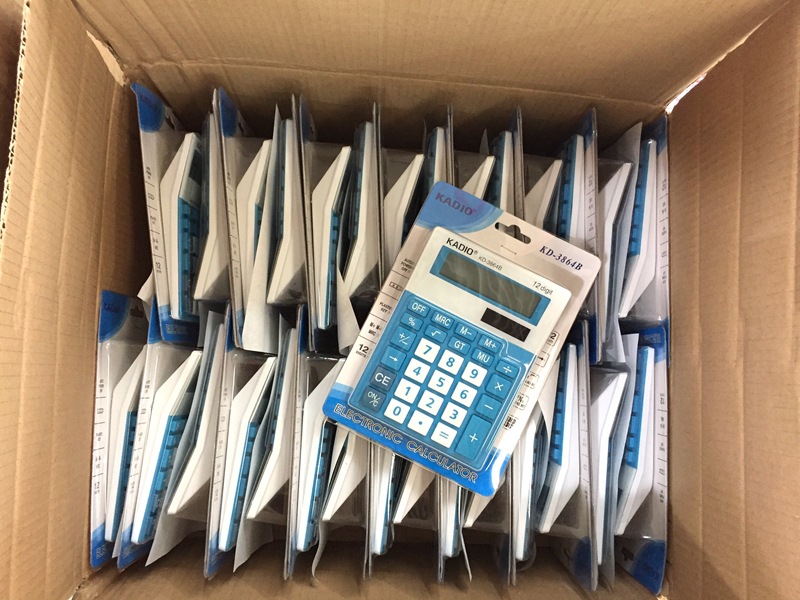
calculator includes two types: Standard type and scientific type, among which standard type is used as follows:
1. When typing a number, press the corresponding number key. If you press the wrong available (CE) key to cancel the value once, then re-enter the correct number.
2. After entering a number directly, press the multiplication sign to turn it into a multiplier, and press the (=) key directly without entering the multiplier, which is the quadratic value of the number.
3. The root number (root) key is opened to the second power root by default, and only scientific calculator can open multiple power roots.
4. Press the (+/-) key to change the positive and negative values of numbers.
5. After entering a number and determining the operator number, press the (%) key to change the result to a percentage operation. For example, 17+28(%)= 17%+28%,1-90(%)= 100%-90%. Since I have not used WIN7, the above% usage has not been verified. I hope those who use WIN7 can verify whether it is as described above. However, in Windows XP, 17+28(%)= 17+17*28%, the percentage cannot be directly calculated. The percentage of the previous operand is calculated. This is also the case in most mobile phones, such as NOKIA.
6. Some standard models have digital storage function, which includes four button :MRC、M-、M+、MU. After typing the number, press M + to read the number into the memory. After that, no matter how many steps are performed, the previously stored number can be read by pressing MRC once, press M-to delete the number from memory, or press the second MRC. MU is the interest rate calculation, and the usage method is unknown.
7. It can also represent Square: for example, 10 square, you can press 10, then press ×, then press =, the result will be 100
welcome customers to shop for 153 8247 5573
weChat: 159 5848 3187
Update time:


TOP


