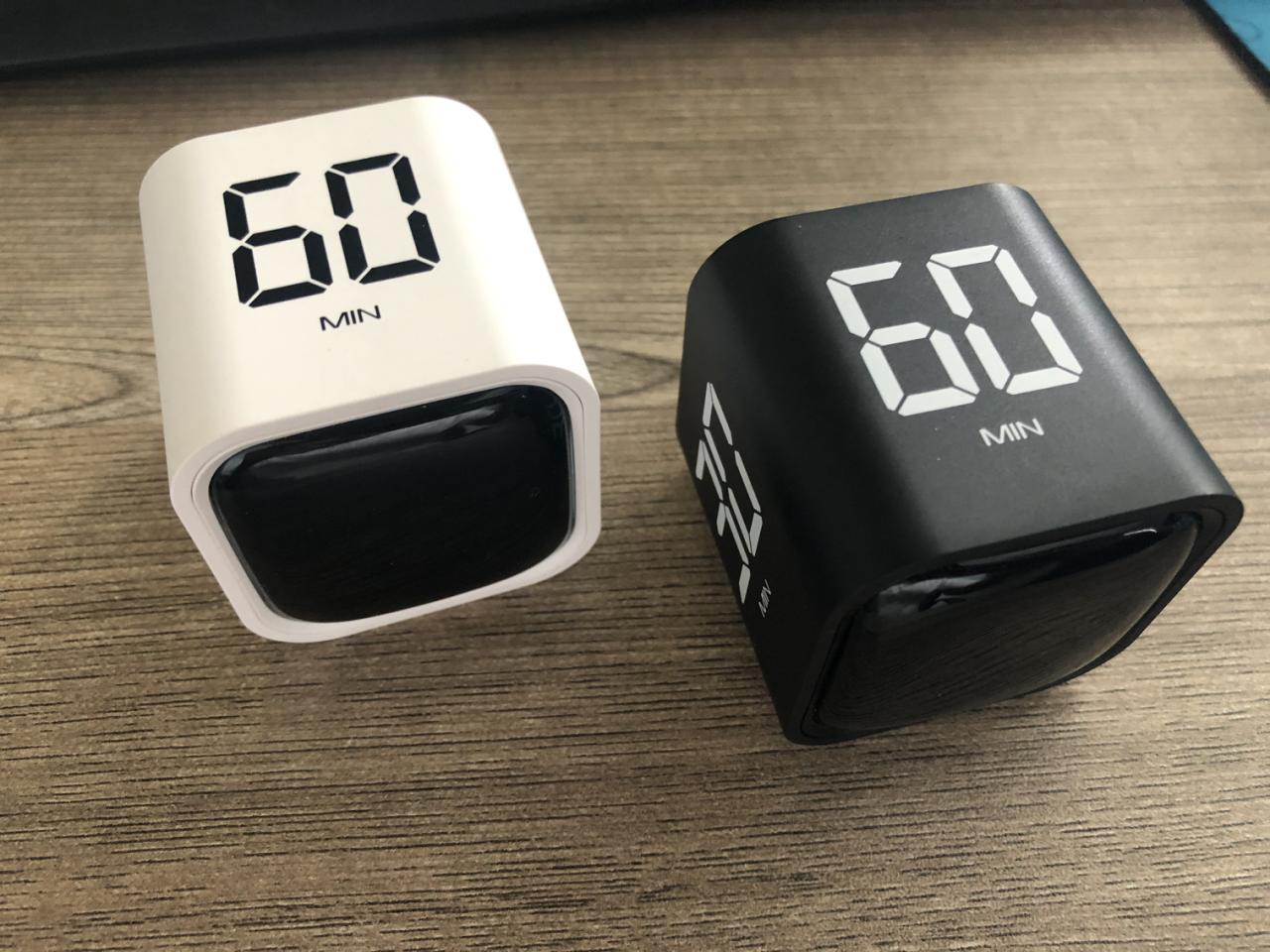
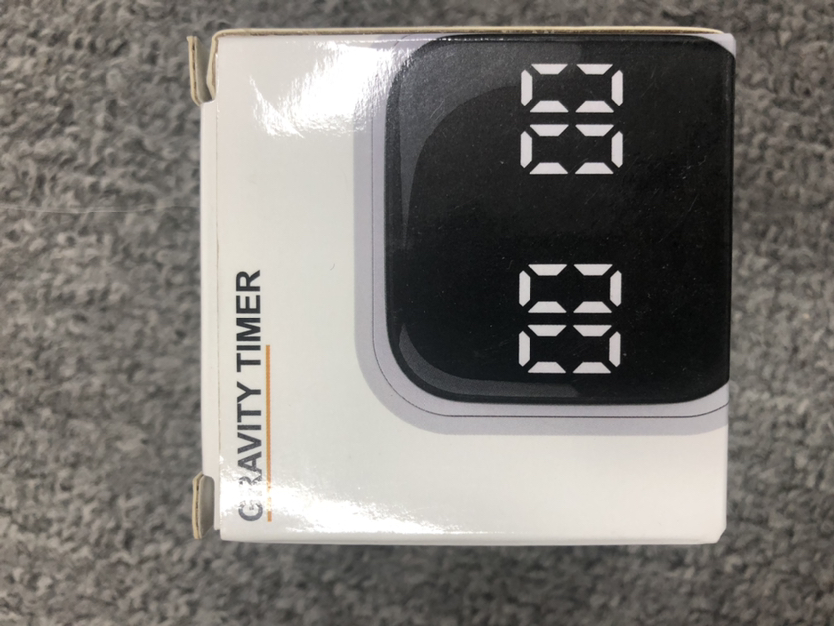
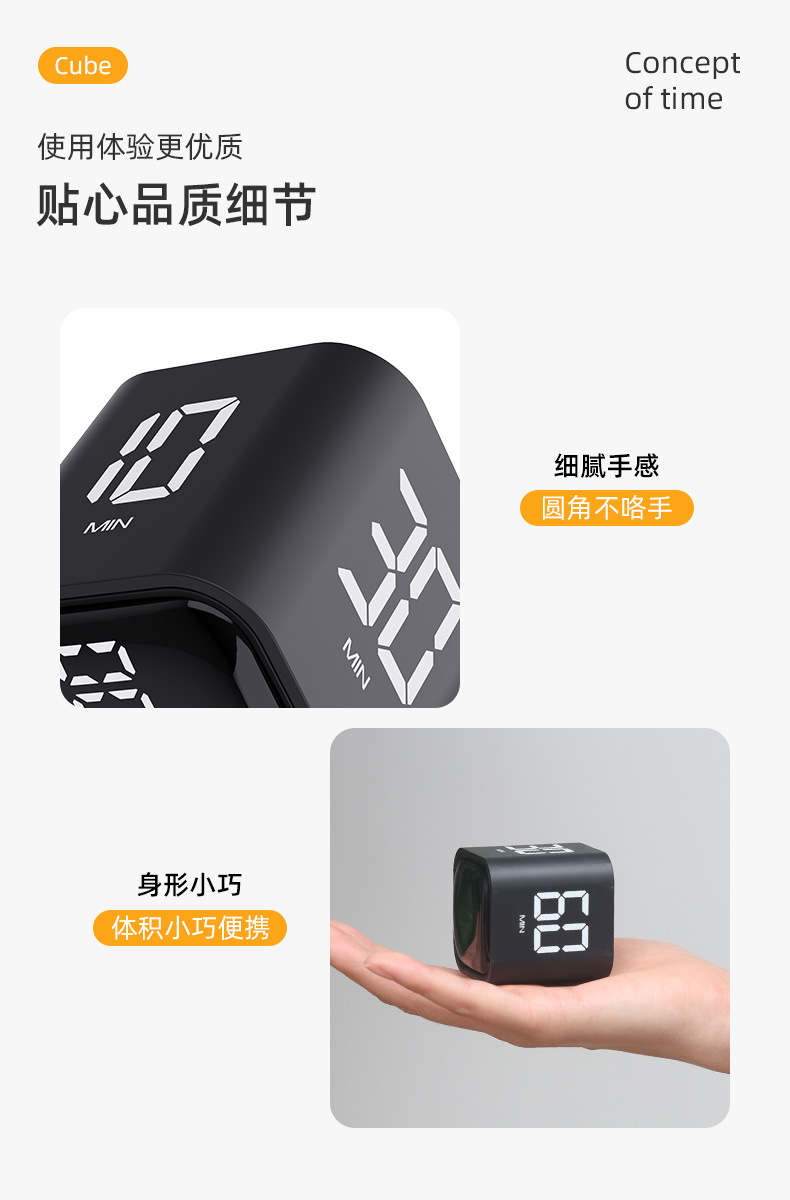
Product Name: F4 Gravity Sensing Timer (Charging Version)
Product color: black, white.
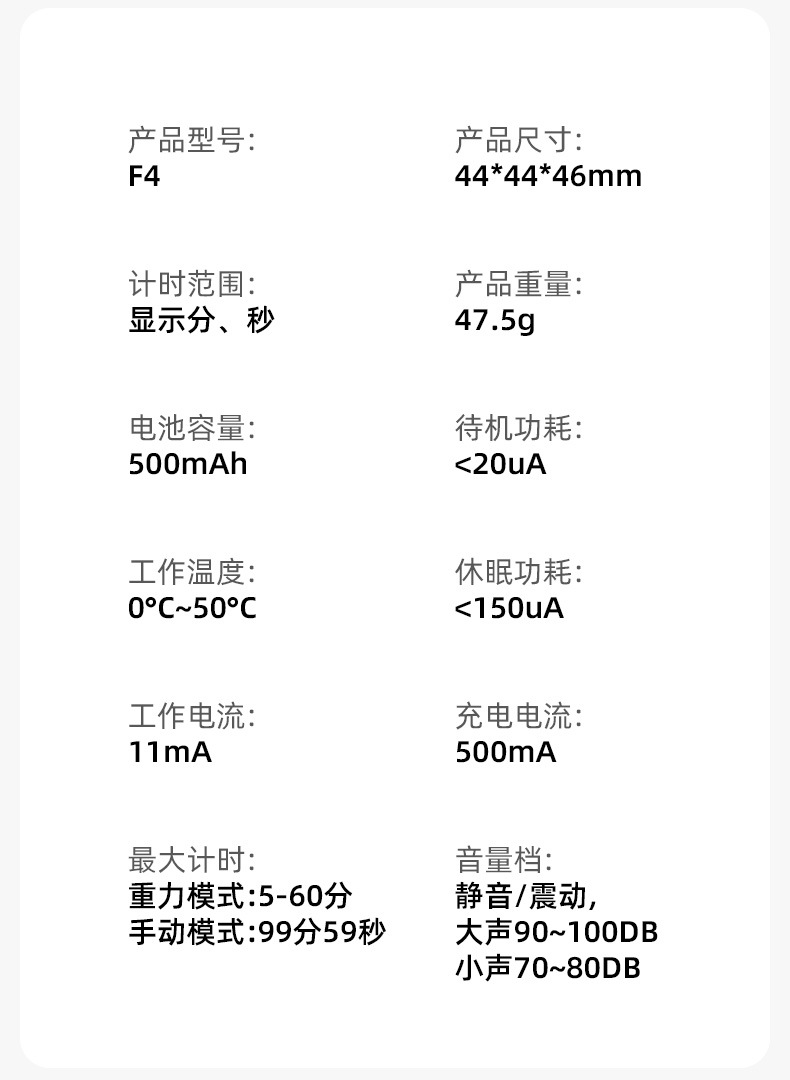
Product size: 44*44*46mm
Color box size: 64*64*65mm
Packing Data: 33*20.6*20.1cm/60pcs
Gross/Net Weight: 5.86kg/4.86kg
Product weight (bare): 47.5g
Product weight (including packaging): 81.3g
Packing: Thin hole color box
Product Material: ABS
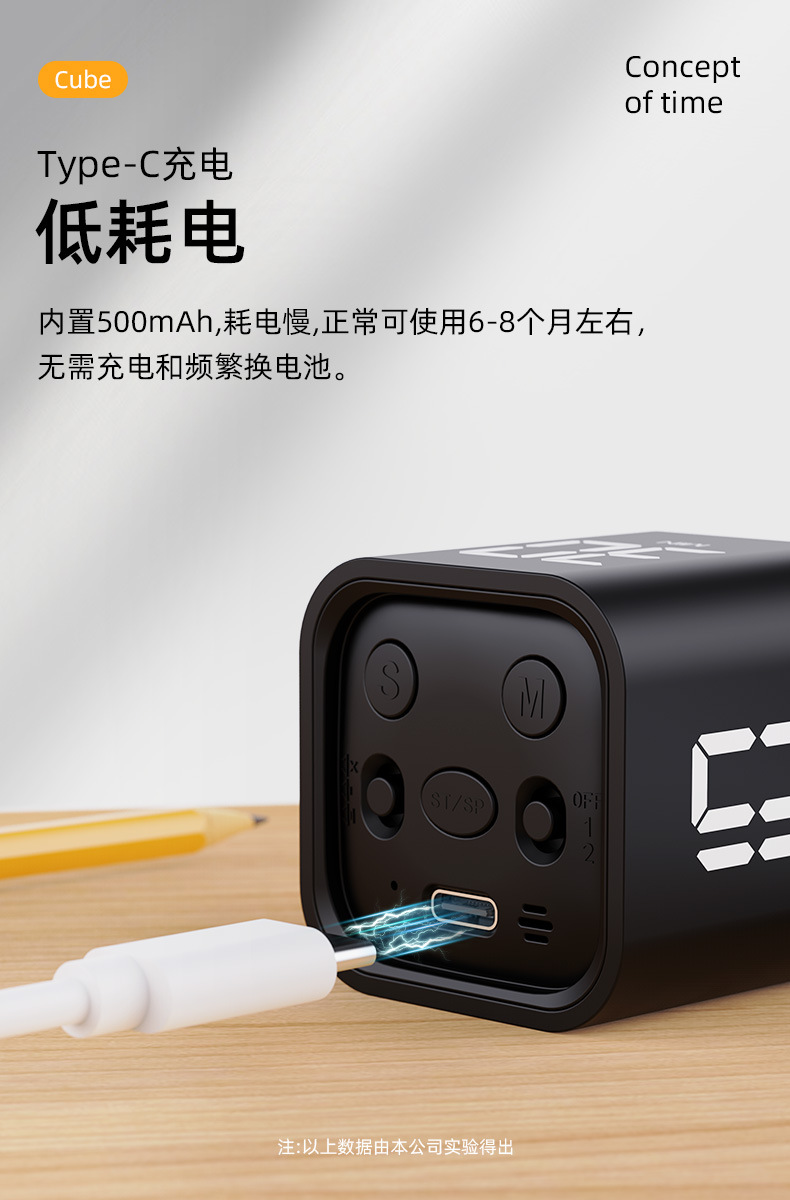
Product Parameters:Battery capacity: 500mAh, Operating temperature: 0°C-50°C, Standby power consumption:
Sleep power consumption:
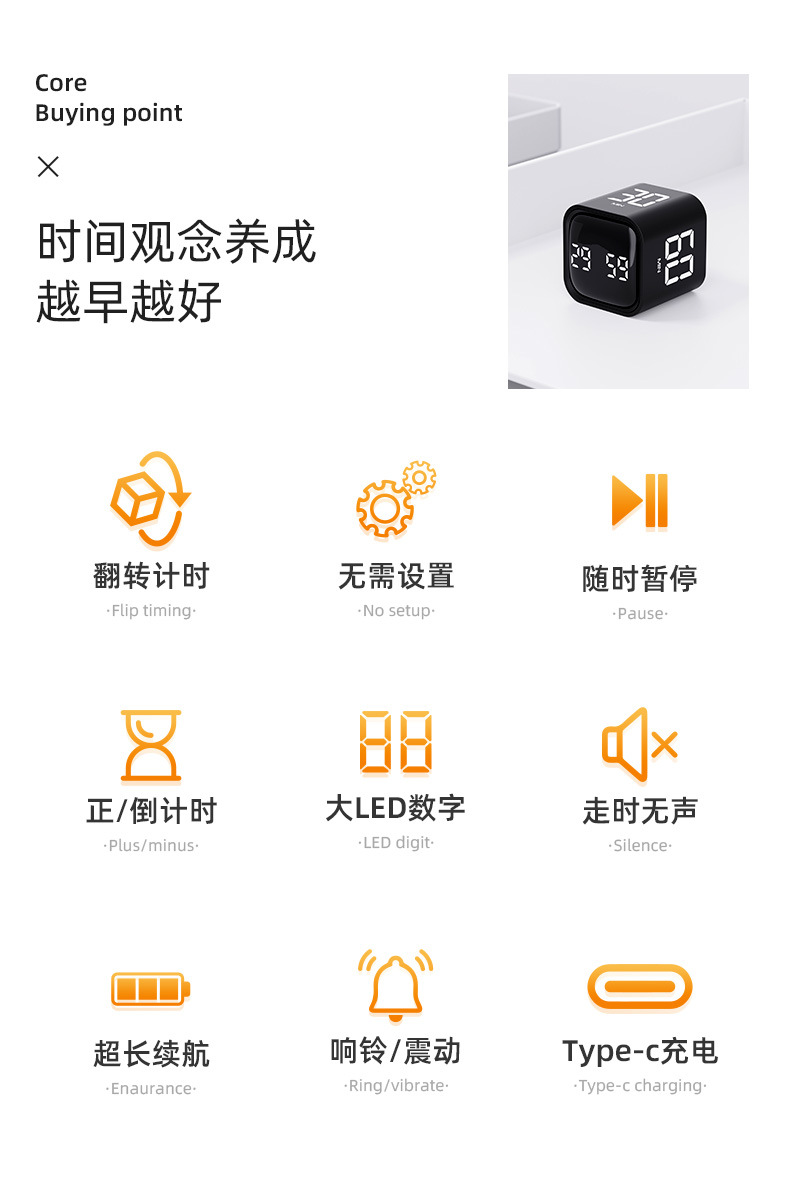
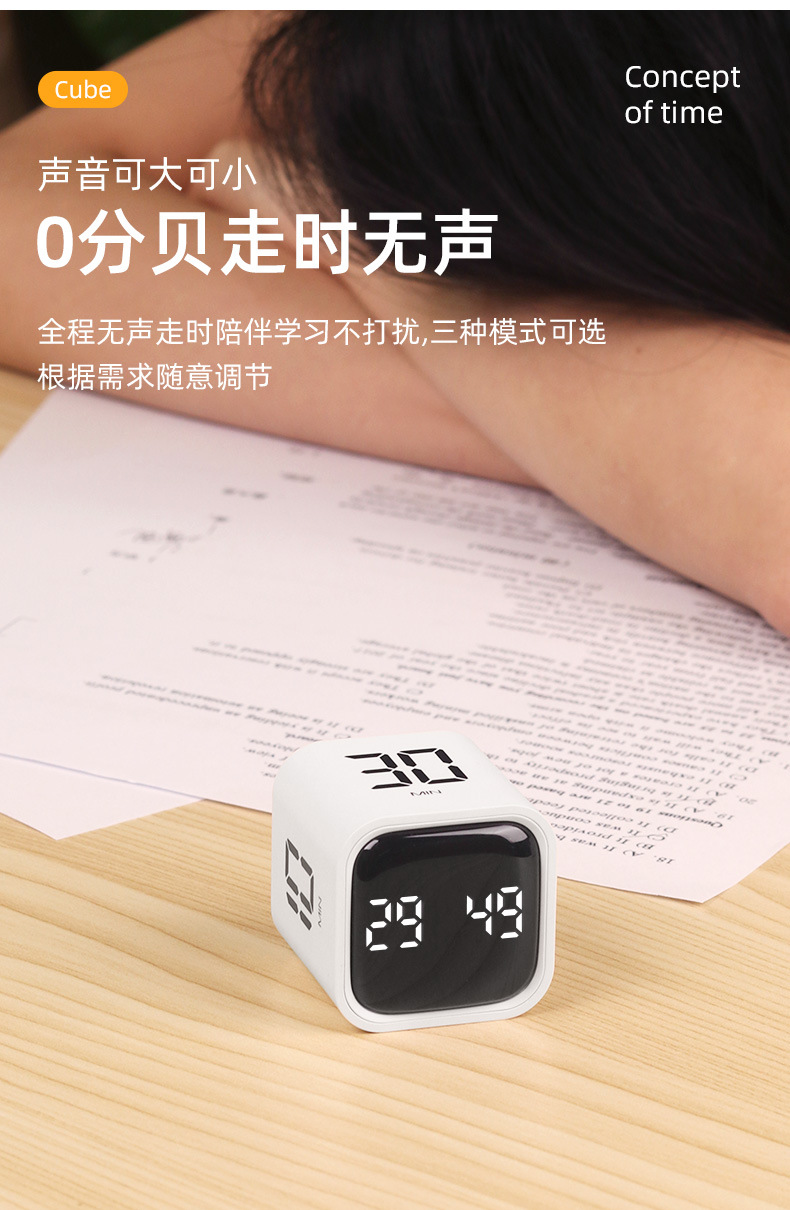
Volume settings: Mute/Vibration, Loud 90~100dB, Soft 70~80dB.
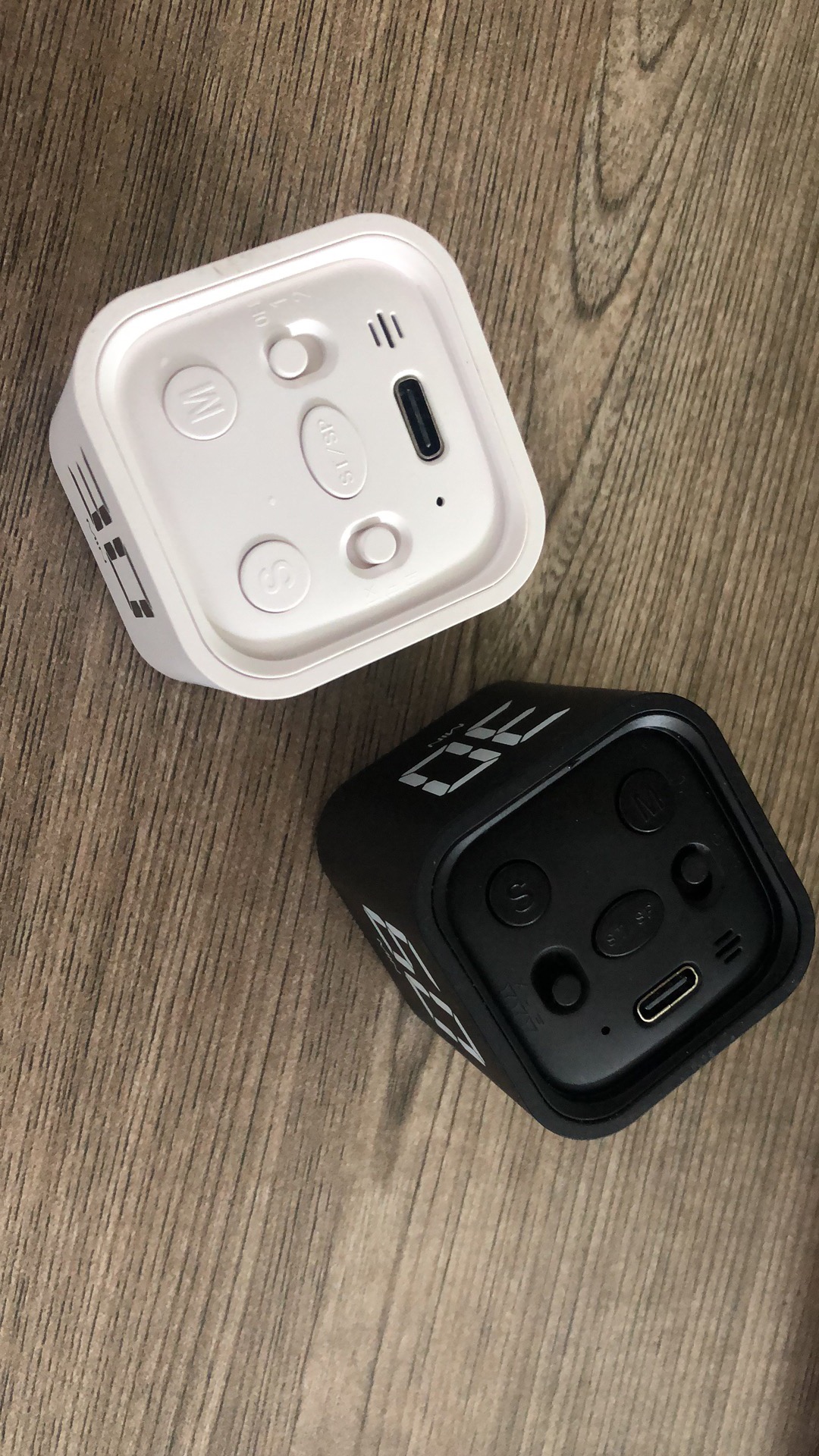
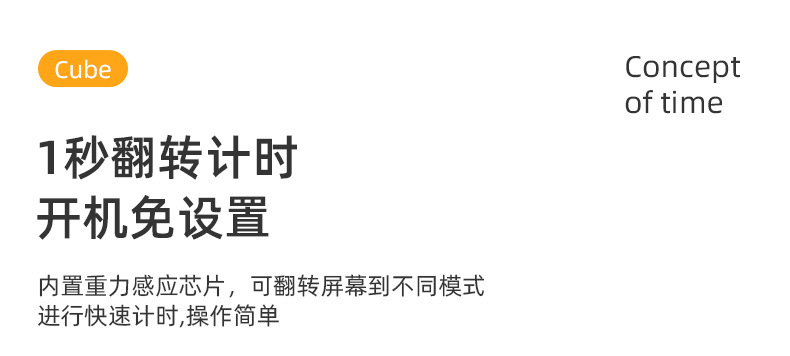
Product Operation Instructions: Gravity Mode: Set the button to Mode 1.
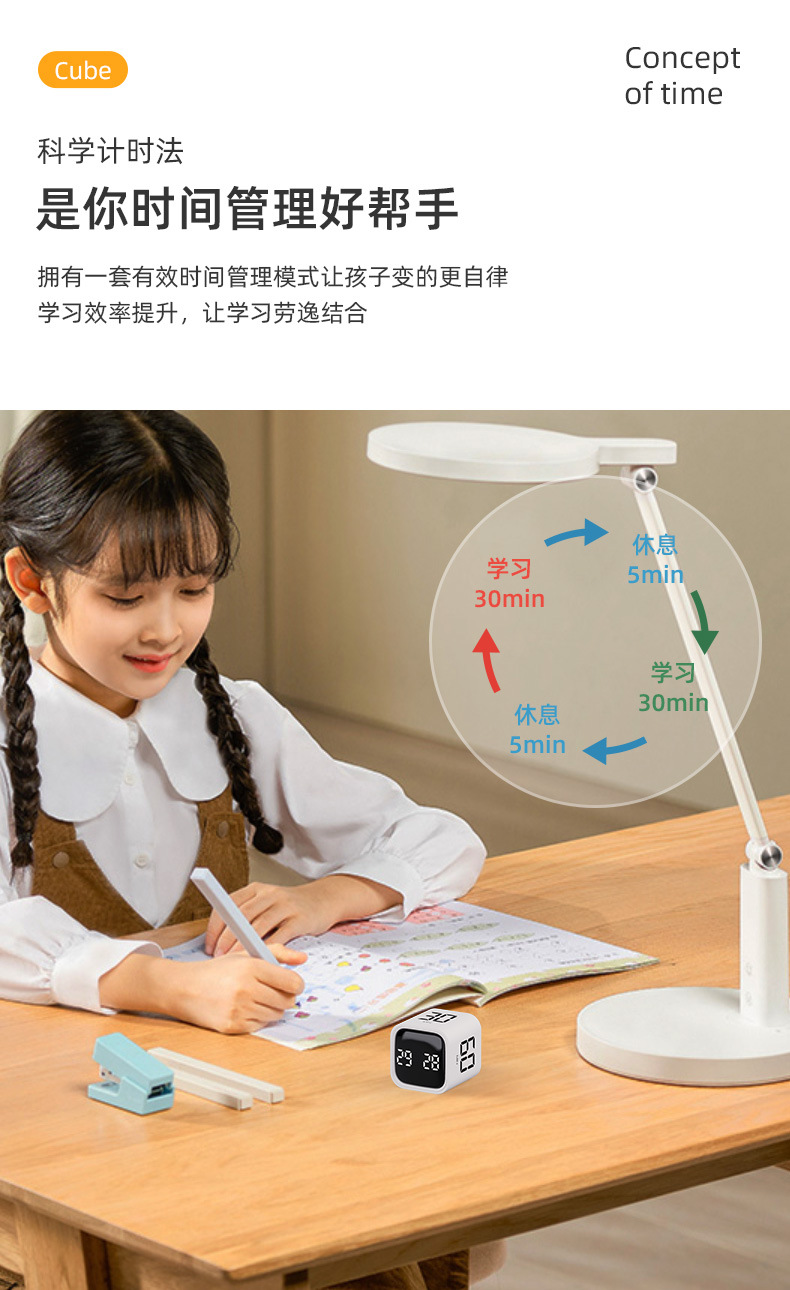
Flip 5-10-30-60 minutes up, automatically start the countdown, pause when the screen flips up, reset the timer when the screen flips down.
Manual Mode: Move the button to Mode 2.
Adjust the M/S key, press the middle button ST/SP to start the countdown.
Countdown:
1. When displayed as 00:00, press the [SP/ST] key briefly to start the normal counting;
During the timing process, pressing the [SP/ST] key briefly can pause/start the countdown.
3. In the pause state, pressing and holding the [ST/SP] button for a long time can reset the value.
Countdown setting: 1. Press the [M/S] key briefly to incrementally adjust the countdown time, and press it long to quickly incrementally adjust the countdown time. After setting, press the [SP/ST] key briefly to start the countdown.
During the timing process, pressing the [SP/ST] key briefly can pause or start the countdown.
3. In the pause state, pressing and holding the [SP/ST] button for a long time can reset the value;
After the countdown time reaches 00:00, there will be a one-minute alarm (with "di di di" sound and LED screen lighting up/sound stopping and LED screen turning off -- both reminders for one second each -- in a loop) to remind you.
Vibration alert in silent mode.
5. Memory Mode: After the countdown ends, press the [SP/ST] button briefly to display the set time for this time. To reset, you can long-press the ST/SP button. Short press to cycle through the operation.
Notes:
1. If the user forgets to turn off the device or if there is no operation for 5 minutes, the product will automatically enter a power-saving mode.
2. After the positive/countdown timer ends, the alarm duration is 1 minute;
3. After hibernation, if you haven't switched to the power-off gravity mode, you can easily switch to manual mode by turning it over; if you want to switch to manual mode, you can easily adjust by pressing it.
In silent mode, there is vibration feedback when the timer ends or when any operation is performed. In volume mode, there is a "beep" sound feedback when performing operations.
5. Battery level below 10%, screen flickers, reminds charging, red light during charging, green light stays on when fully charged.